
If you’re a local business owner in Venice, FL, your Google Business Profile is one of the most powerful tools you have to attract nearby customers.
But here’s the thing: simply having a profile isn’t enough anymore.
In 2026, Google Business Profile optimization requires strategic updates that signal relevance, trust, and activity to Google’s algorithm. The businesses that show up in the local map pack? They’re the ones consistently fine-tuning their profiles.
Ready to climb the local rankings? Here are 9 powerful updates that can boost your visibility fast.
1. Ensure Flawless NAP Consistency Across 5 Critical Platforms
NAP stands for Name, Address, and Phone Number: and it’s the foundation of local SEO.
Google cross-references your business information across multiple platforms. If your details don’t match on your website, social profiles, and directories, it creates confusion and hurts your rankings.
Double-check your NAP on:
- Your Google Business Profile
- Your website footer and contact page
- Facebook, Instagram, and LinkedIn
- Yelp and industry-specific directories
- Apple Maps
Consistency builds trust. Trust builds rankings.
2. Select 3 Hyper-Specific Business Categories
Your primary category tells Google exactly what you do. Most business owners pick something generic and move on.
That’s a mistake.
Instead, choose the most precise primary category available. Then add 2-3 secondary categories that reflect your additional services.
For example, instead of “Marketing Agency,” try “Internet Marketing Service” or “SEO Agency” if that’s your specialty. This level of Google Business Profile optimization helps you appear in more relevant local searches.
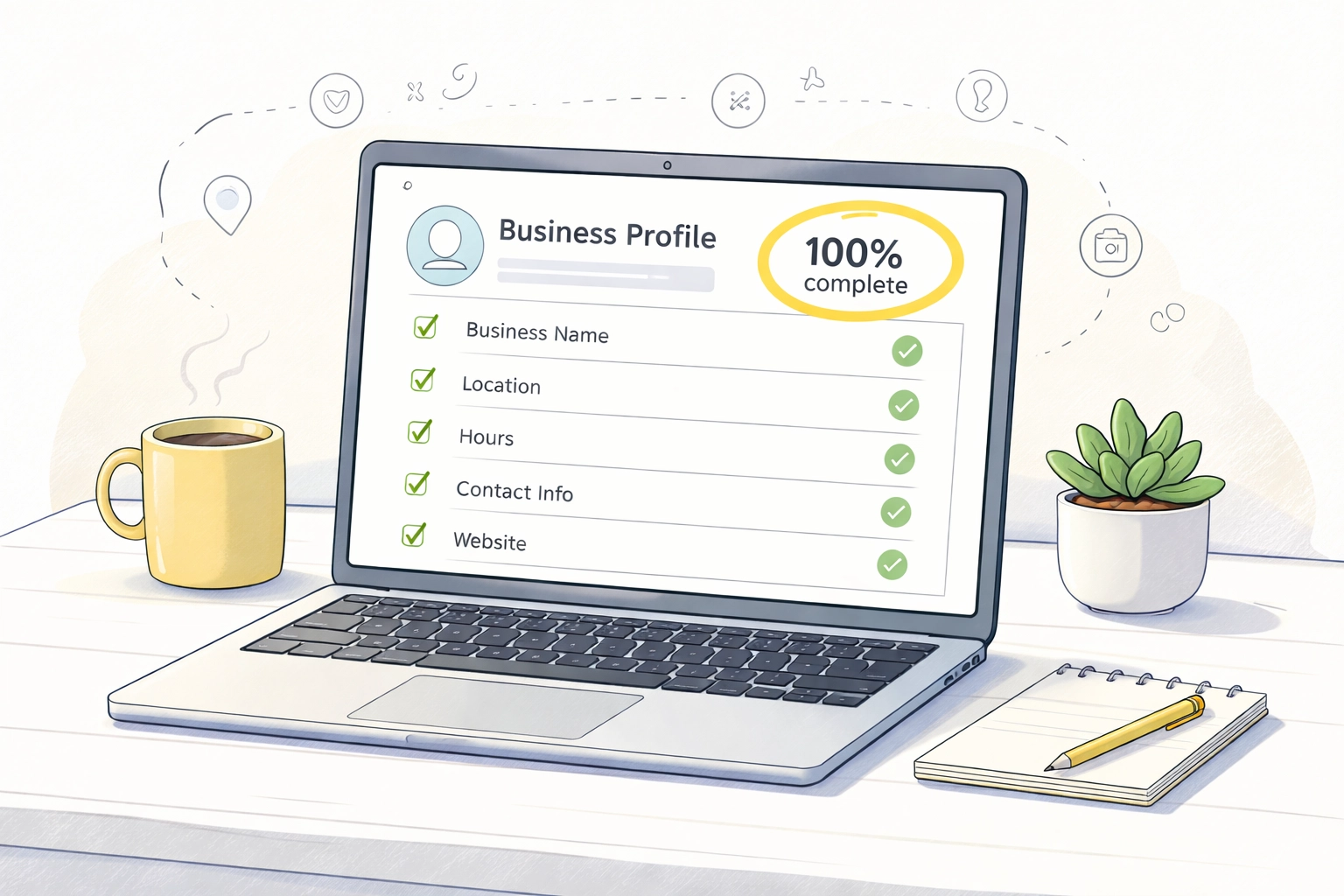
3. Complete 100% of Your Profile Fields
Did you know businesses with complete profiles get 7× more clicks than incomplete ones?
Google rewards thoroughness. Fill out every available field:
- Business hours (including special hours)
- Service areas
- Website URL
- Appointment booking links
- Products and services
- Business description with relevant keywords
Don’t leave anything blank. Every field is an opportunity to rank higher in Venice, FL and surrounding areas.
4. Upload 10+ High-Quality Geo-Tagged Photos
Visual content grabs attention and keeps potential customers engaged longer.
Upload professional photos of:
- Your storefront or office
- Your team in action
- Products or completed projects
- Behind-the-scenes moments
Pro tip: Geo-tag your images with your Venice, FL location before uploading. This adds another local relevance signal that supports your Google Business Profile optimization efforts.
Aim for at least 10 photos, and add new ones monthly to keep your profile fresh.
5. Publish 2 Strategic Google Posts Weekly
Google Posts are mini-updates that appear directly on your profile. They’re perfect for:
- Announcing promotions or events
- Sharing helpful tips
- Highlighting new services
- Celebrating milestones
Posting regularly signals to Google that your business is active and engaged. Aim for at least 2 posts per week.
Keep posts short, include a call to action, and add an eye-catching image. This simple habit can significantly improve your local visibility.
6. Generate 5 New Reviews Every Month
Reviews are one of the top ranking factors for local search: and they build trust with potential customers.
Create a simple system to request reviews:
- Send a follow-up email after service completion
- Include a direct link to your Google review page
- Train your team to ask happy customers in person
Equally important? Respond to every review. Thank customers for positive feedback and address concerns professionally. Google notices engagement, and so do future customers researching your business.
7. Master Your Q&A Section With 8 Pre-Loaded Questions
Most business owners ignore the Q&A section completely. That’s a missed opportunity.
Anyone can ask: or answer: questions on your profile. Take control by pre-loading common questions yourself:
- What are your hours?
- Do you offer free consultations?
- What areas do you serve?
- How do I schedule an appointment?
Provide clear, helpful answers that include relevant keywords naturally. This enhances your Google Business Profile optimization while improving the customer experience.

8. Enable 2 Essential Messaging Features
Google offers messaging features that let customers contact you directly from your profile.
Enable both:
- Chat messaging for quick questions
- Request a quote for service-based businesses
Faster response times lead to better customer satisfaction: and Google tracks this. Businesses that respond promptly often see improved rankings and more conversions.
Just make sure someone on your team monitors messages daily.
9. Write 1 Keyword-Rich Business Description
Your business description is prime real estate for Google Business Profile optimization.
You have 750 characters to tell Google: and potential customers: exactly what you do and who you serve.
Include:
- Your primary services
- The areas you serve (Venice, FL, Sarasota County, etc.)
- What makes you different
- A natural mention of relevant keywords
Avoid keyword stuffing. Write for humans first, search engines second.
Need help crafting the perfect description? Our digital marketing services team specializes in local SEO strategies that get results.
Why These 9 Updates Matter for Venice, FL Businesses
Local competition is fierce. Whether you’re a restaurant, contractor, or professional service provider, your potential customers are searching Google right now.
Proper Google Business Profile optimization ensures you show up when they do.
According to case studies, businesses that fully optimize and actively manage their profiles see 30–60% more calls within the first month. That’s real revenue from a free tool.
For more detailed guidance, check out the official Google Business Profile Help Center to stay updated on the latest features and best practices.
5 Frequently Asked Questions About Google Business Profile Optimization
1. How long does it take to see results from Google Business Profile optimization?
Most businesses notice improvements within 2-4 weeks of implementing these updates. Consistency is key: keep optimizing monthly for best results.
2. Can I optimize my Google Business Profile myself?
Absolutely. Many of these updates are straightforward. However, partnering with a local SEO expert ensures nothing gets missed and saves you valuable time.
3. How often should I update my Google Business Profile?
Weekly is ideal. Post updates, respond to reviews, and add fresh photos regularly to signal activity to Google.
4. Do Google reviews really affect my local rankings?
Yes. Review quantity, quality, and recency all factor into Google’s local ranking algorithm.
5. What’s the biggest mistake businesses make with their profile?
Leaving it incomplete. An incomplete profile tells Google: and customers: that your business might not be active or trustworthy.